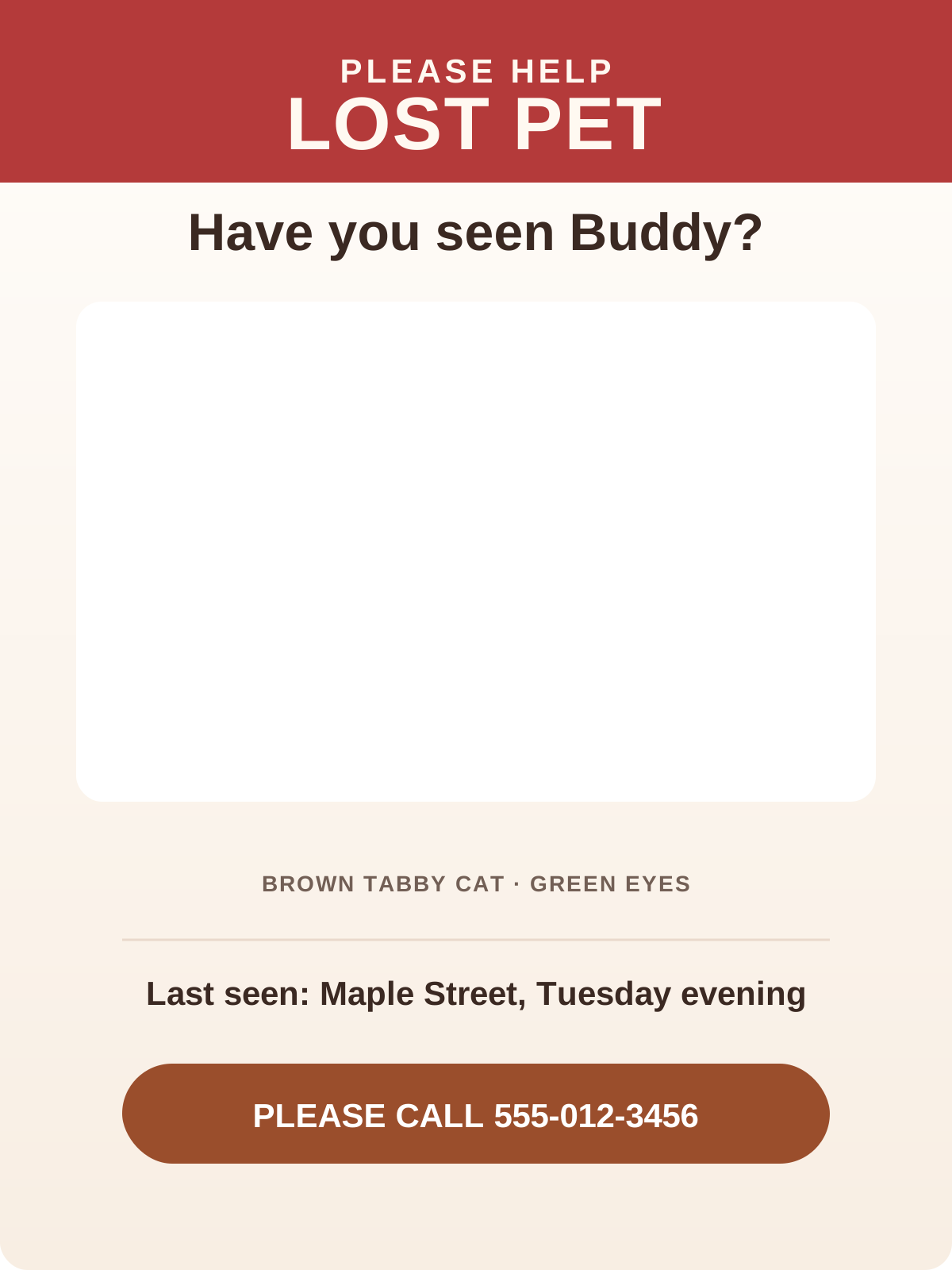
Clear Lost Pet Poster
Exports as 1200 × 1600 PNG.
Free online pet photo maker
Make a clear poster fast: add one photo and the details people need to recognize your pet and contact you.
Create locally
JPG, PNG, or WEBP. Up to 10MB per photo.
Your photos are processed in your browser and are not uploaded to our server.
Upload a pet photo, choose a template, and generate your design.
Three simple steps
Upload a recent photo that makes your pet easy to recognize from a distance.
Add their name, where they were last seen, and a phone number or other contact detail.
Generate the 1200 × 1600 PNG, then print it or share it with your local community.
Practical checklist
When a pet is missing, a poster has one job: help someone recognize your pet and reach you quickly. Keep the design clear enough to understand at a glance, then share it where neighbors are likely to see it.
Use a bright, recent photo where your pet's face and body are easy to recognize. A front-facing photo is ideal when possible, but any sharp image that shows markings, coat color, and size can work. Skip group photos, distant shots, filters, and dark images. A passerby should not have to guess which animal is yours, even when they only see the poster for a few seconds.
Put LOST PET at the top in the largest, boldest text on the page. If you know whether your pet is a dog or cat, say that in conversation and community posts, but keep the printed headline short. Drivers and walkers should understand the purpose immediately. Avoid long emotional messages near the top, because they compete with the photo and the details people need to act on.
Add your pet's name, breed or a short description, color, size, the last place and date they were seen, and a phone number that reaches you right away. Be specific but brief: small black terrier mix with a white chest is more useful than simply friendly dog. If your pet needs medication, is fearful, or may run, share that important detail when someone contacts you instead of crowding the main poster.
Use one phone number that you can answer or receive texts on quickly. Ask a friend to read the number from a short distance before printing. A reward is optional; only offer one you can genuinely pay. Be alert for scams: do not send money, gift cards, or verification codes to anyone who cannot provide a current photo or a clear, verifiable sighting of your pet.
Letter-size paper, 8.5 × 11 inches, works well for home printers and community boards. Post with permission at neighborhood entrances, veterinary clinics, pet stores, parks, mail areas, and local bulletin boards. Bring a few extra copies when you walk the surrounding blocks. Photograph the finished poster before you leave so the same clear image can be shared in neighborhood groups and local lost-pet channels.
Hold the poster at arm's length or view it on a small phone screen. You should spot the headline, photo, last-seen location, and contact number in a few seconds. If any of those details are hard to find, remove extra wording instead of shrinking the important text. Keep a copy of the information you posted, update people when there is a confirmed sighting, and remove posters when your pet is safely home.
Template preview
Each preview uses the same configured layout as the generated PNG, so the editor stays predictable.
Exports as 1200 × 1600 PNG.
Good to know
No. There is no sign-up or login. Upload a photo, add details, and download your poster for free. Your photo and details stay in your browser.
Yes. PawBooth works on mobile and desktop browsers, so you can choose a photo directly from your camera roll.
Use a clear photo, your pet's name, breed or description, color, size, the date and location they went missing, and one phone number people can reach right away. A reward is optional.
Post them at neighborhood entrances, community bulletin boards, veterinary clinics, pet stores, and local parks. Share the same poster in local Facebook and Nextdoor lost-pet groups.
Standard letter size, 8.5 × 11 inches, works well for neighborhood flyers. Print at home or at a local print counter such as Walgreens, CVS, or Staples.